Getting Started
RabbitMQ Docker Image
docker run -d --name rabbitmq -p 5672:5672 -p 15672:15672 -e RABBITMQ_DEFAULT_USER=userName -e RABBITMQ_DEFAULT_PASS=password rabbitmq:3.12-management
then run docker image.
Download SpringBoot Example
download springboot project from here
Update application.properties File
update the following prop in application.properties, then run the application
spring.rabbitmq.host=localhost
spring.rabbitmq.port=port
spring.rabbitmq.username=username
spring.rabbitmq.password=password
Swagger URL
After run application you can access swagger documentation from here http://localhost:8088/rabbitmq/swagger-ui/index.html#/
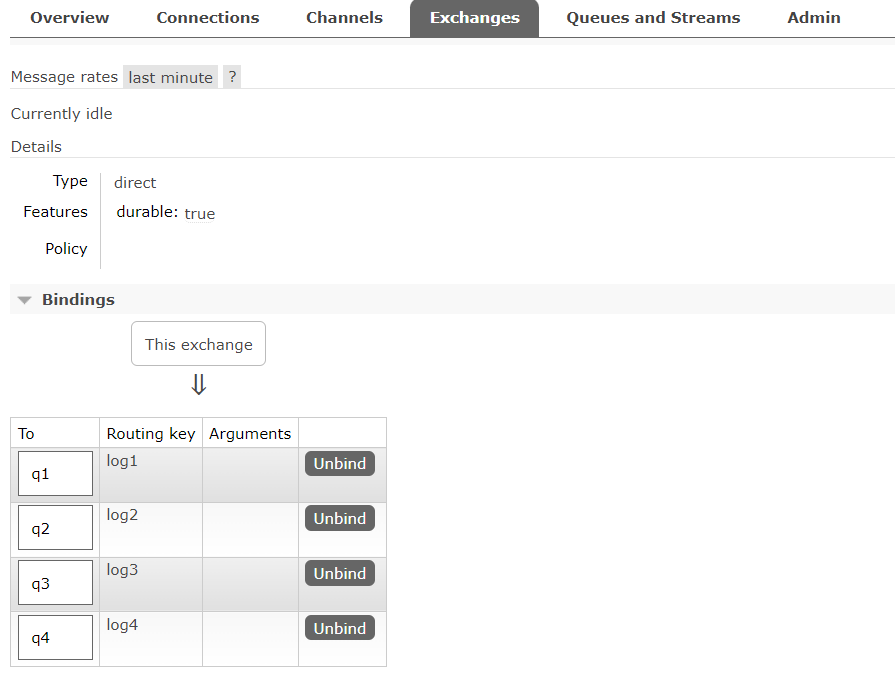
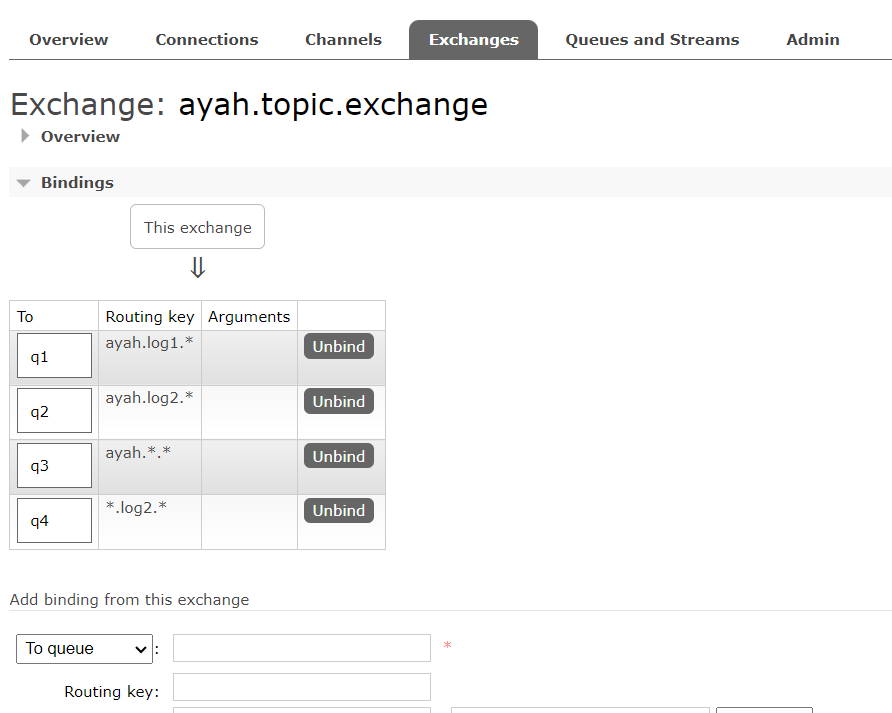
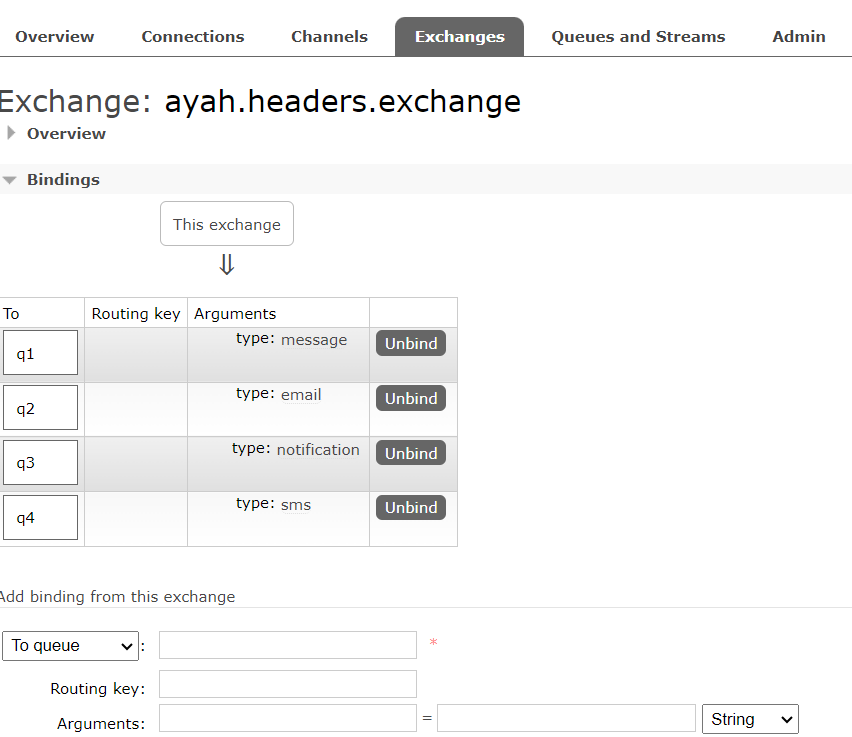
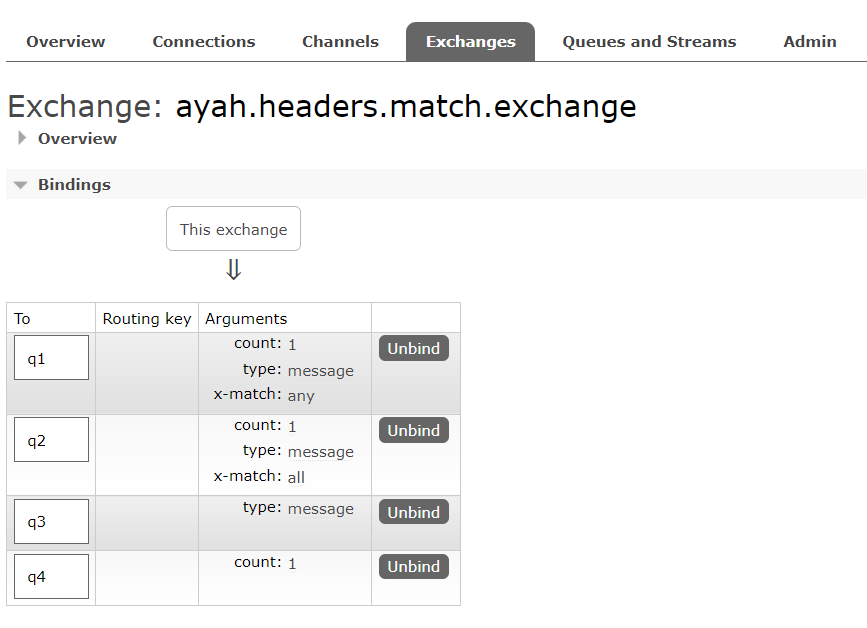
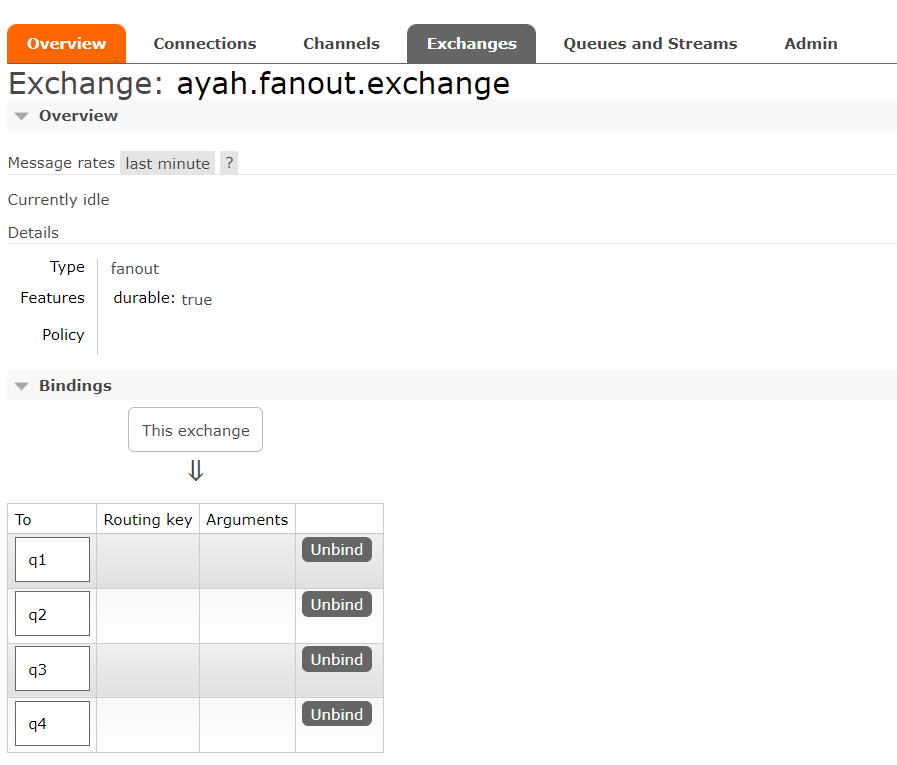
RabbitMq After Run Application